Your podcast is edited while you talk.
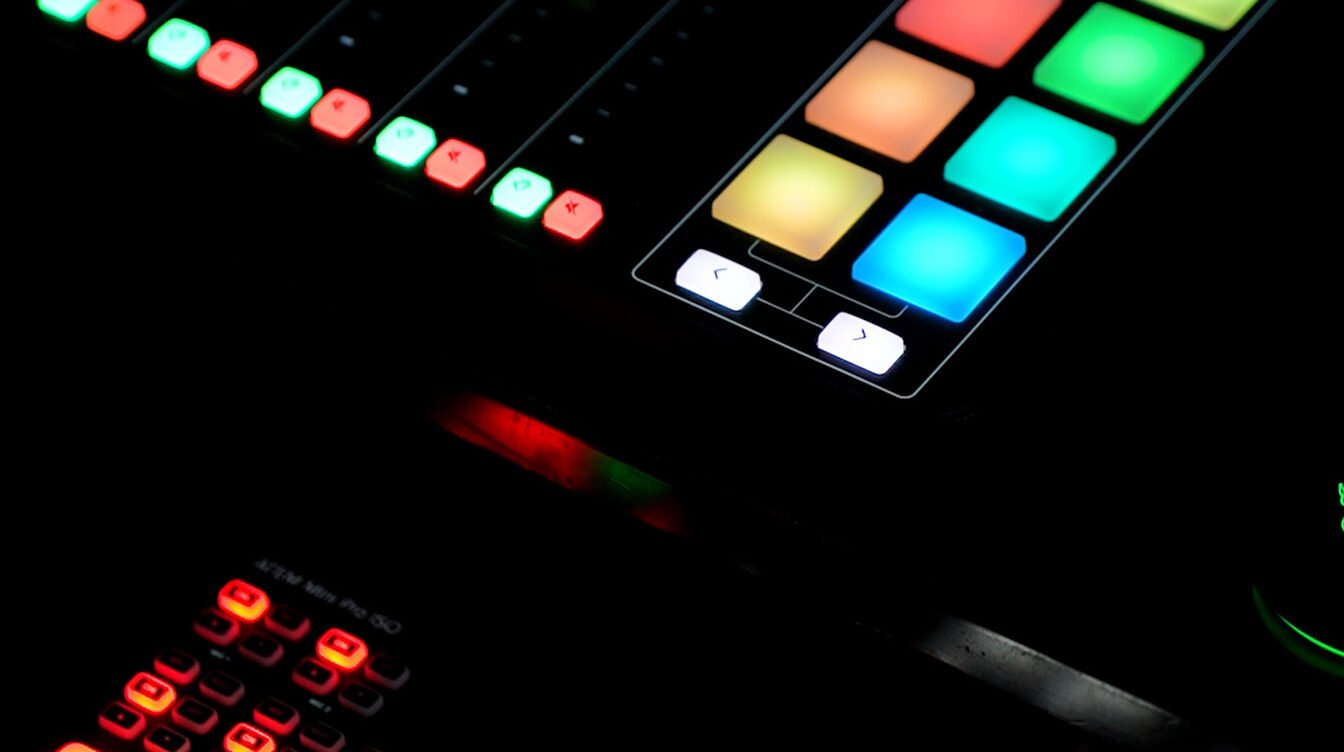
The cameras feed into the ATEM Mini Pro ISO. The director switches shots during the shoot and the program is recorded live.
What "same-day delivery" means
When the episode is well prepared and does not need advanced corrections, the program version switched during the shoot can be available as soon as the session ends.
Which formats suit Live Cut?
This workflow is particularly suited to flowing conversations, interviews, recurring shows and well-prepared episodes that do not need major editorial restructuring.
Preparing the episode before the shoot
A clear rundown helps the director follow the conversation naturally. Prepare the topics, names, introductions and calls to action, then flag any segment to redo immediately.
Do not neglect the sound
Fast video switching also depends on clean sound. Voices are recorded with RØDE PodMic microphones and managed through a RØDECaster Pro II to make fast delivery possible.
The source files can stay available
Live switching does not prevent keeping the source files for possible additional finishing, depending on the agreed package and workflow.
When to choose full editing?
If you want to remove many passages, add complex animations, restructure the episode or make advanced retouches, choose the Podcast + Editing pack instead.
Live Cut and short formats
The program is a solid base, but Reels usually need a selected moment, vertical reframing, their own pacing and specific captions. Discover our method for creating Reels.
How the live multi-camera control room works
A program ready at the end of the shoot is not a shortcut. It is a different technical path. The decisions normally made in the edit are made during the conversation, by one person watching all three sources at once. Understanding this path tells you what you can ask of it, and what you cannot.
How the program is built
Each camera sends its signal to the control room. The switcher receives these sources, displays them side by side on a monitor, and the director chooses at every moment which one goes into the program. Meanwhile, the audio comes in from the console with levels already balanced per speaker.
The result is a single file, edited in real time. The ATEM Mini Pro ISO also records each source separately, which leaves the option of a traditional edit if the project ends up needing one. See the ATEM Mini Pro ISO control room.
What the director decides live
They do more than follow whoever is talking. Good cutting alternates between the speaker answering, the reaction of the person listening and the wide shot that resets the scene. Staying glued to the speaker produces a flat, tiring program.
They also anticipate: as a question ends, they are already on the person about to answer. That anticipation is what separates successful live switching from a string of shots that are each a second late.
What preparation changes
Live, anything not fixed beforehand goes into the final file. What must be locked before the guests arrive:
- audio levels tested with each person in their seat, speaking normally;
- identical exposure and white balance on all three cameras;
- framing checked with the speakers seated, not on an empty set;
- lighting set up and stable;
- the rundown known to the director, so they know what is coming.
The last point is often overlooked. A director who knows the running order anticipates the key moments. A director discovering the show as it happens is only reacting to it.
What same-day delivery means
The term deserves precision. The program exists at the end of the session: the cutting is done, the audio is mixed, the picture is the one that was chosen. What is not included: editorial restructuring, removal of long passages, graphics composed afterwards, elaborate captioning, shot-by-shot color grading.
In other words, you leave with a finished episode, not an editable one. That is exactly the trade-off you accept by choosing this method.
The most costly mistakes when switching live
| Mistake | Consequence | Safeguard |
|---|---|---|
| Audio level not tested with the real voice | Clipping or a voice too quiet for the whole episode | Test in real conditions, not just a puff into the mic |
| Guest leaning back during the conversation | Drifts out of frame or out of focus | Framing with some margin, monitor kept in view |
| Rundown unknown to the control room | Shots late on the key moments | Director briefing before the start |
| Passage to cut discovered afterwards | Impossible without going back to the edit | Choose full editing from the start |
When to keep a post-production stage
Whenever an internal approval is planned after the shoot, whenever a speaker is new to the camera, whenever the episode needs graphics, and for a first episode. The full comparison is in Live Cut or full editing.
A middle path works well: switch live for the long episode, and hand only the vertical clips to post-production. See turning a session into Reels.
Frequently asked questions
Are the separate sources kept?
Yes, the isolated recording of each source runs alongside the program. That is what makes it possible to re-edit an episode if its content ends up justifying it.
Can you livestream with the same setup?
Yes, it is the same technical chain, with the added constraints of streaming and the connection. See livestreaming from the studio.
Is the result ready for YouTube?
Yes. The program is a finished file, ready to publish. You still need to prepare the thumbnail, title, description and chapters, which are not done during the shoot. See publishing a podcast on YouTube.