What going live really changes

A recording forgives. Live does not. There is no second take, no cut in the edit, no fixing a mispronounced name. In return, the content is published the moment it is filmed, the audience is there and can react, and the replay is available immediately.
This constraint has a concrete consequence: anything not decided beforehand will be improvised in front of an audience. A successful livestream is almost entirely decided in the preparation.
Choosing the platform for your audience
| Platform | What it offers | Who it suits |
|---|---|---|
| YouTube Live | Long-lasting replay, indexed in search | Recurring show, broad audience |
| LinkedIn Live | Professional audience and decision-makers | B2B, executives, experts |
| Facebook Live | Existing community, local reach | Consumer brand, event |
| Webinar | Registration, audience control, structured interaction | Training, launch, lead generation |
Nothing stops you from streaming to several destinations, as long as it is decided and tested beforehand. See also the guide to live podcasting in Morocco and webinars from the studio.
What we confirm before the session
- the destination platform and the streaming access, which must be ready in advance;
- the format, duration and number of speakers;
- the timed rundown, with transitions and audience interaction moments;
- the connection and the backup plan if it weakens;
- the required permissions, especially for visuals and music;
- who handles the chat during the show, because it is not the host.
The most often forgotten point is streaming access: a stream key obtained ten minutes before the start turns the opening of the show into a technical scramble.
Writing a rundown for live
A live rundown is not a word-for-word script. It is a sequence of blocks, each with an allotted duration. Plan a short opening that says immediately what the show is about, content blocks that can be shortened if time slips, a moment of audience interaction, and a prepared conclusion with its call to action.
Always keep one expendable block. It absorbs a talkative guest or a technical problem without blowing up the end of the show. See building a rundown.
During the broadcast
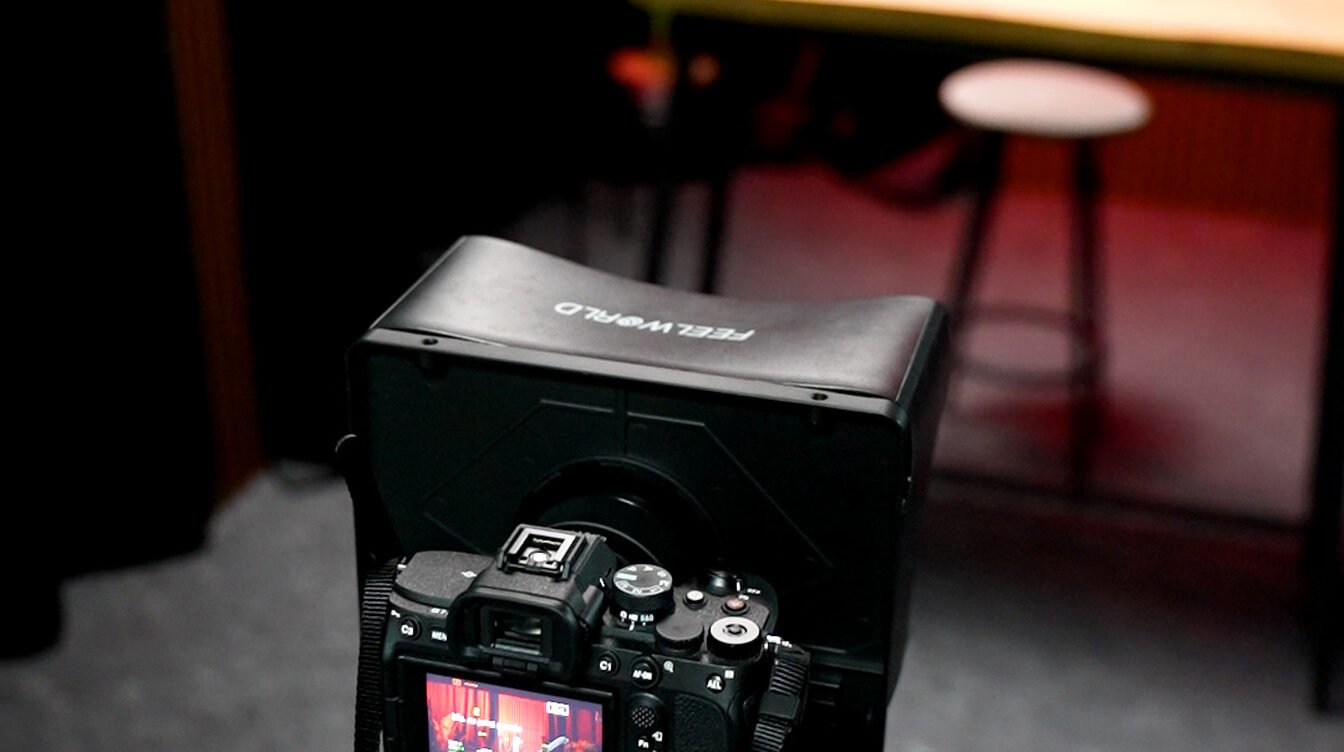
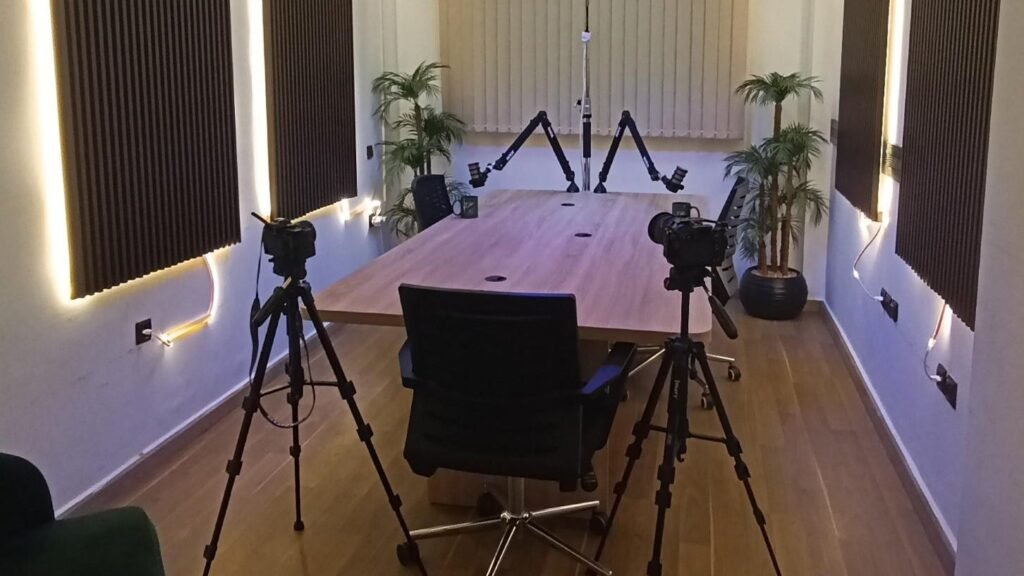
Cameras and sound are run from the control room. The director selects angles based on who is speaking and monitors the outgoing program feed. Audio levels are checked continuously, which avoids the classic scenario of a speaker being inaudible for twenty minutes without anyone noticing.
A local recording runs alongside the stream. That is what lets you recover a clean version even if the stream suffered, and produce clips afterwards.
After the broadcast
A livestream does not end when the broadcast stops. The local recording is used to republish a cleaned-up version, cut short clips for social media and feed the audio version if the show also exists as a podcast. A well-used livestream produces as much content as a recorded session. See turning a session into clips and making the most of a webinar replay.
Remote guests
A speaker joining from outside brings the least controllable risk of the show: their connection, microphone, lighting and background noise. Run a test with them ahead of the day, ask for wired headphones, and plan what the host does if the link drops mid-conversation.
How does a live multi-camera podcast work?
Several cameras feed the control room. The operator selects the shot being streamed: speaker, guest or wide shot. Audio is controlled separately and the final program is sent to the chosen platform according to the project setup.
What needs to be prepared before going live?
The first step is editorial: running order, duration, speakers, topics, transitions and any graphics. Then come the technical tests: picture, sound, platform, account access, streaming settings and connection.
Checking platform permissions
An account may need specific permissions or settings before it can stream. These must be checked early enough. The day of the livestream is not the moment to discover a feature is not enabled.
Planning a rehearsal
A short rehearsal checks names, speaker positions, microphones, framing and the running order. For a webinar with a presentation, the slides and transitions also need testing.
Why is audio quality critical when live?
An audio error cannot be “fixed before publishing” because the audience hears it immediately. Monitoring is therefore essential. The RØDECaster Pro II is part of our audio workflow, together with RØDE PodMic microphones.
What is the ATEM Mini Pro ISO for?
The control room lets us select angles during the show and build the program in real time. It makes for a more dynamic result than a single fixed shot. Our guide to theATEM Mini Pro ISO for podcasting explains this role in detail.
Why record locally even during a livestream?
Streaming and archiving are two different needs. A local recording preserves the content if the platform or the connection runs into a problem, and provides a base for republishing the show or creating clips after the broadcast.
Live podcast, webinar or interview: what are the differences?
A live podcast stays centered on the conversation. A webinar can include a presentation, a demo or a Q&A segment. A live interview can be shorter and more editorialized. The technical workflow may be similar, but the rundown and audience expectations change.
For a business-oriented format, see organizing a professional webinar in Rabat.
How do you manage 2, 3 or 4 speakers live?
The more participants, the clearer the preparation needs to be. Microphones, framing and speaking turns all have to be organized. A host who can manage who speaks when makes the director’s job far easier. See our guide podcast with 3 or 4 people.
What to do after the broadcast?
The livestream can become an on-demand episode, then several short pieces of content. The best moments can be reframed and captioned for social media. See our method for turning a podcast into Reels.
Common live streaming mistakes
- testing the platform too late;
- not planning a local recording;
- neglecting audio monitoring;
- not preparing a rundown;
- adding too many unnecessary technical elements;
- forgetting to plan for a speaker arriving late.
Frequently asked questions
Can you stream to several platforms at once?
Yes, provided the access for each destination is set up before the session and the available bandwidth is checked.
What happens if the connection drops?
The local recording keeps running. The broadcast may be interrupted, but the content is not lost and can still be republished.
Should you allow more time than for a recording?
Yes. Stream tests, access checks and the speaker briefing take time before the announced start, and that start time does not move.
Can you stream to any platform?
It depends on the access, features and settings available on the client’s account. Compatibility must be checked before the session.
Does a livestream need editing afterwards?
Not for the broadcast itself, but an on-demand version can benefit from cuts, graphics or corrections.
Can you create clips after a livestream?
Yes. It is a useful way to extend the life of a show.
Next step
Check the packages under Pricing, compare the workflows under Services, then head to booking. The studio is in Témara, near Rabat.